Product Design · UX Research · Brand
Reimagining recovery
for ironworkers
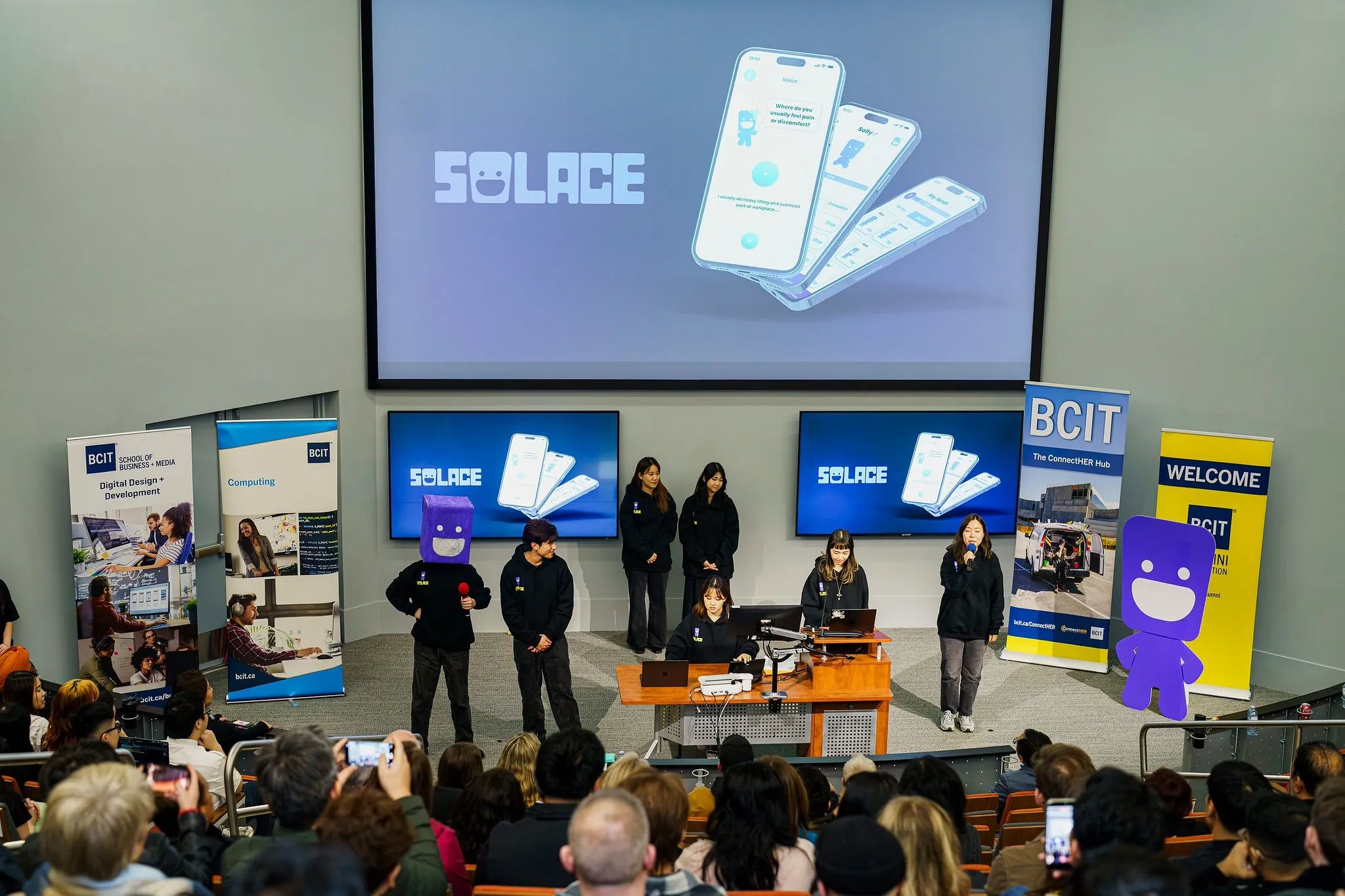
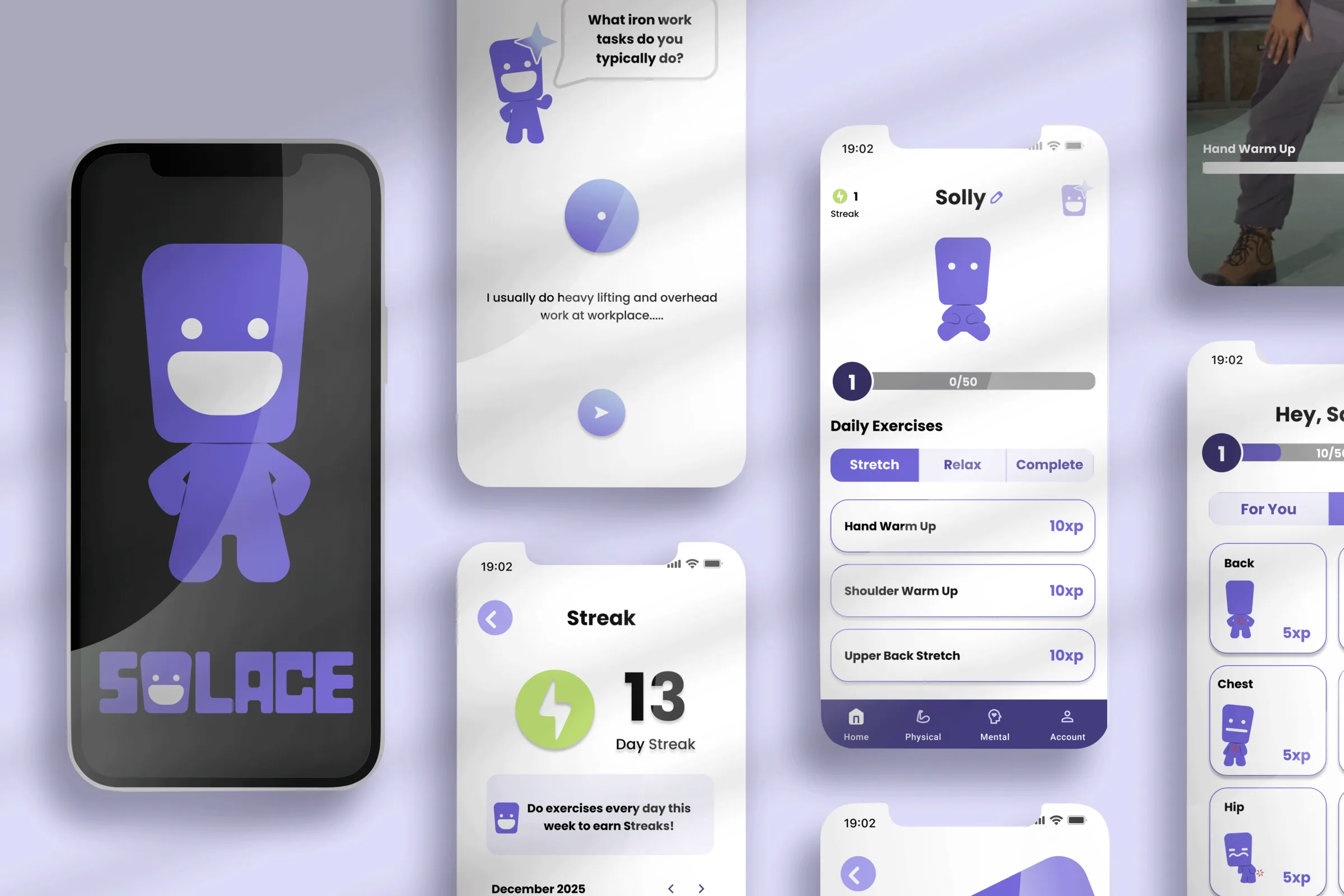
As UX/UI Design Lead, I led the design of Solace, an AI-powered self-care app for ironworkers that turns recovery into short, adjustable daily routines supported by an AI assistant. It earned 2nd place at BCIT’s Final Product Showcase.
- Role
- UX/UI Design Lead · Scrum Master
- Timeline
- Sep – Dec 2025 · 3 months
- Team
- 4 designers, 3 developers
- Scope
- 0-to-1 mobile app + brand ecosystem
- Focus
- Research · UX/UI · Prototyping · Usability testing · Branding · Project management
- Tools
- Figma · Illustrator · Photoshop · InDesign · Jira · Expo · GitHub
The 30-second version
TL;DR
Problem
Physical pain is normalized on job sites, and clinical wellness apps fail in heavy industry
Ironworkers face conditions that make traditional wellness apps ineffective. Pain is treated as part of the job, mental health carries stigma, and job sites leave no time for self-care. Left unchecked, everyday pain and stress keep building, and the numbers below show where that can end.
“Every ironworker I know deals with pain, but all we get are painkillers and a pat on the back.”
- 3,600+
- Annual working-age suicide deaths
- 83%
- Tradespeople struggle with mental health
- 500%
- Higher suicide rate versus the general workforce
Sources: academic studies, industry reports, and CBC coverage.
Solution
Prevention that fits the workday
Solace works early, before pain turns into an injury. It isn’t a treatment or crisis tool: it gives ironworkers short, personalized stretches and breathing exercises that lower everyday pain and stress. The aim: less strain for workers, and lower injury risk and better retention for the job sites they work on.
Preview · Coded prototype
What Solace looks like
Leading the research where the team had gaps
The goal was to understand how tradespeople experience physical pain and mental stress, find the barriers to existing wellness solutions, and uncover realistic opportunities for support within unpredictable job-site conditions.
We used a mixed-methods approach so Solace reflected real job-site constraints, not idealized wellness routines.
- Survey
- 18 tradespeople
- Interviews
- 2 trades workers + 2 advisors
- Secondary research
- academic studies, industry reports, CBC coverage
- Competitive analysis
- 8 wellness and habit-tracking apps
- Advisor feedback
- bi-weekly sessions with an ironworker instructor
Going beyond my role
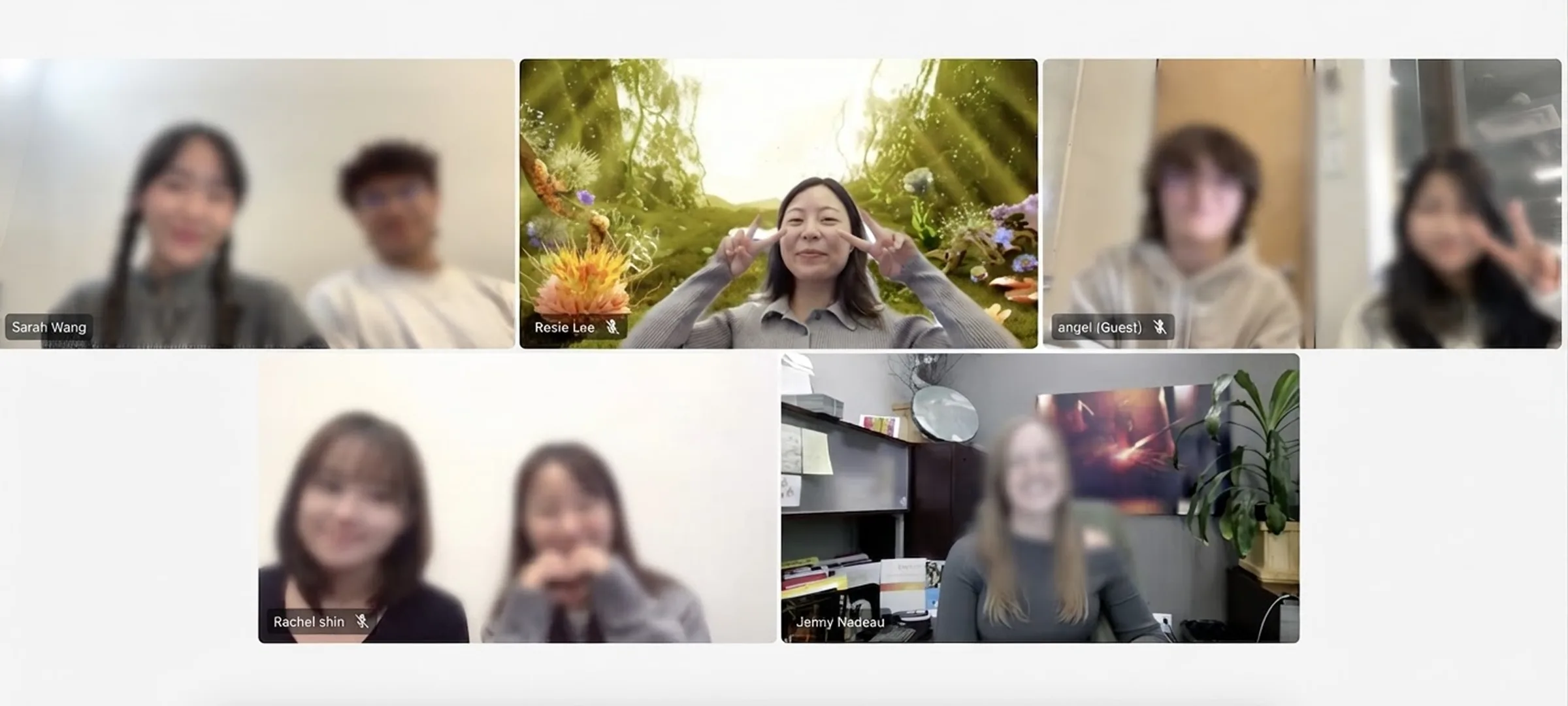
Weekly instructor feedback surfaced gaps in our understanding of construction-specific pain and injury. I led additional secondary research into muscle strain, repetitive injury, and recovery needs specific to ironworkers, and I reached out to a social worker at The Forge for an extra interview — expanding our scope from physical recovery into mental health. Those insights shaped Solace’s exercises, onboarding language, tone, and feature priorities.
Findings that set the direction
Physical pain is frequent and normalized
Move from reactive pain relief to preventive, recovery-focused support.
Pain and mental health are deeply connected
Mental wellness tools must feel private, optional, and non-clinical.
Job sites limit time and attention
Interactions must be short, flexible, and interruptible.
Humor and feedback improve engagement
An approachable tone earns more adoption than formal wellness language.
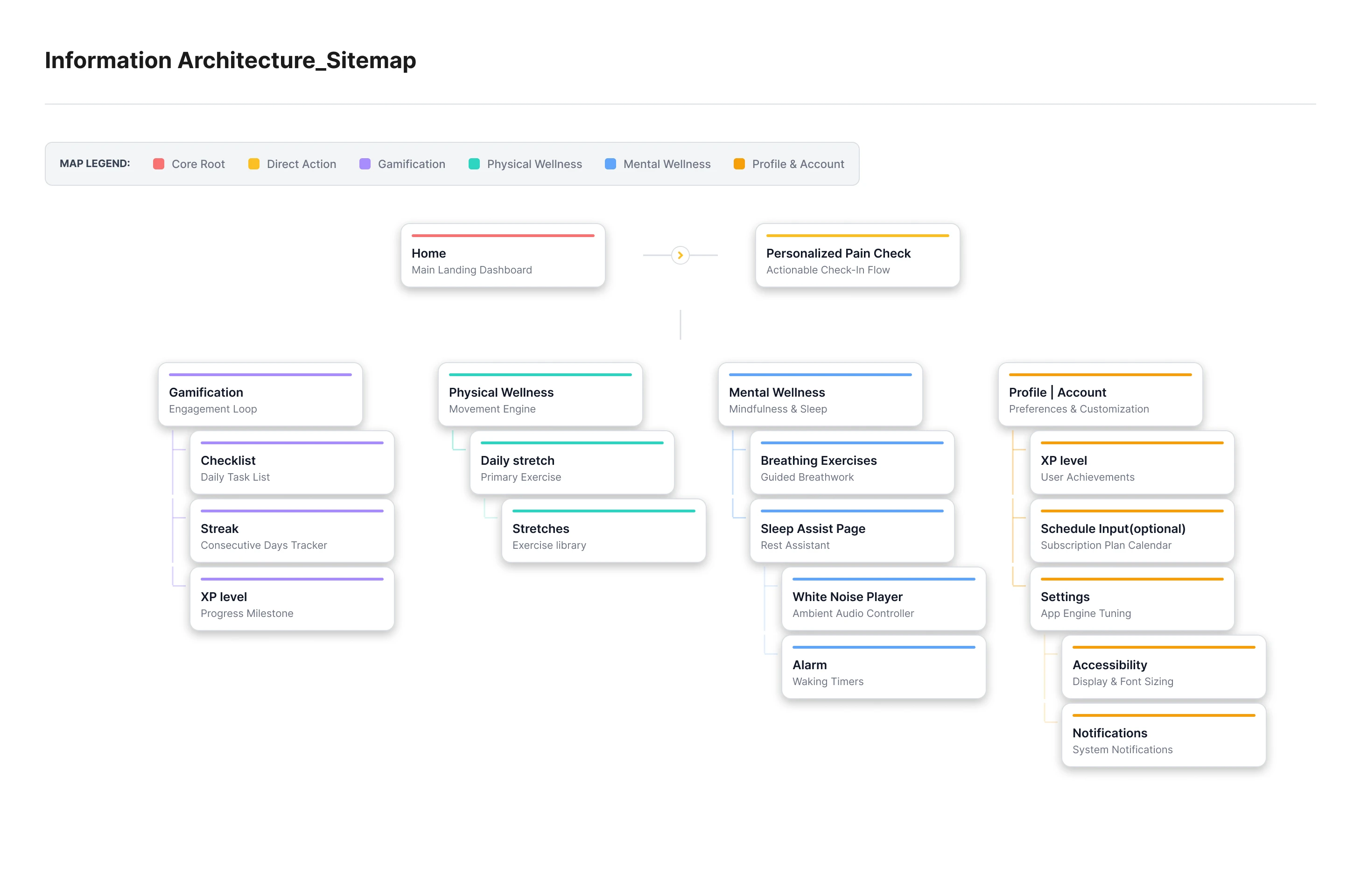
From findings to structure
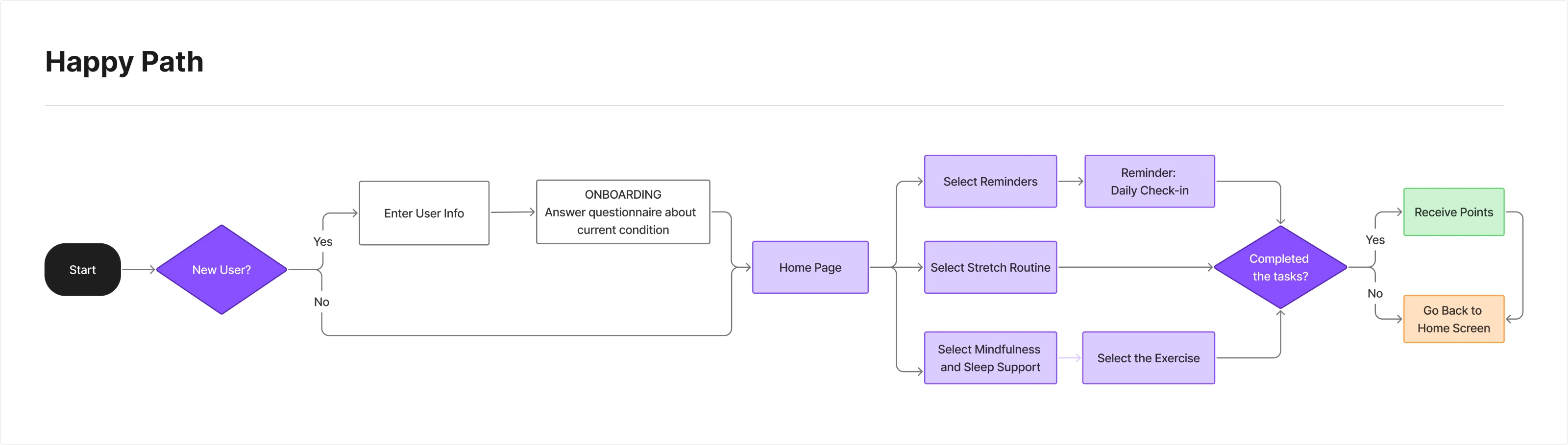
One decision at the door: AI or manual
I focused on onboarding, the AI-powered daily check-ins, and the core physical recovery flows — so users could personalize support fast without adding friction to an already demanding day.
- Short, targeted exercises for high-impact body areas
- Daily AI check-ins that adapt each recovery plan
- Stress-relief tools that stay private, optional, and non-clinical
- Habit tracking and light gamification — consistency without pressure
- Flexible, self-paced use built for unpredictable schedules
Round 01 · Mid-fidelity
Six questions, all tap to answer
Our first onboarding asked six multiple-choice questions: work hours, main tasks, pain level, pain location, sleep, and break times for stretch reminders. Onboarding and the daily check-in were still two separate flows, and we were still working out how everything would fit together.
The break-time scheduler was the biggest open question. We couldn’t yet see how a fixed schedule would work with the way ironworkers actually work.
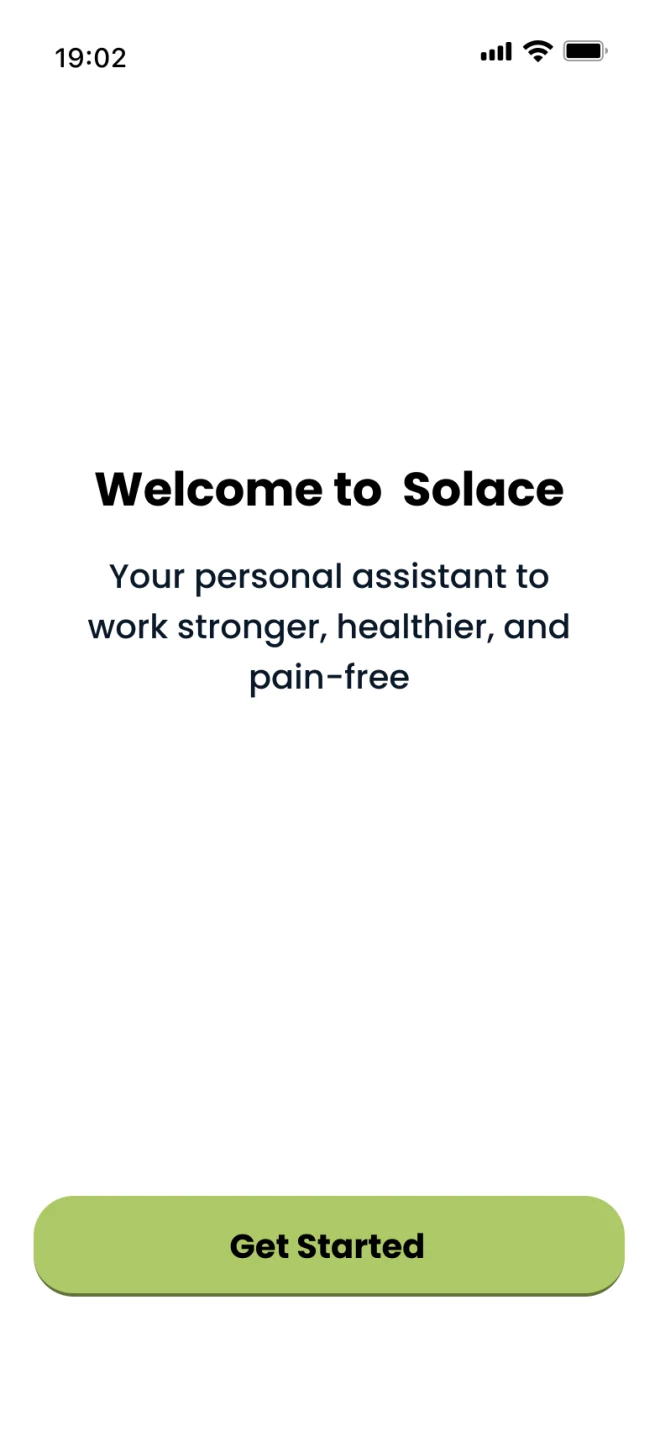
01Welcome 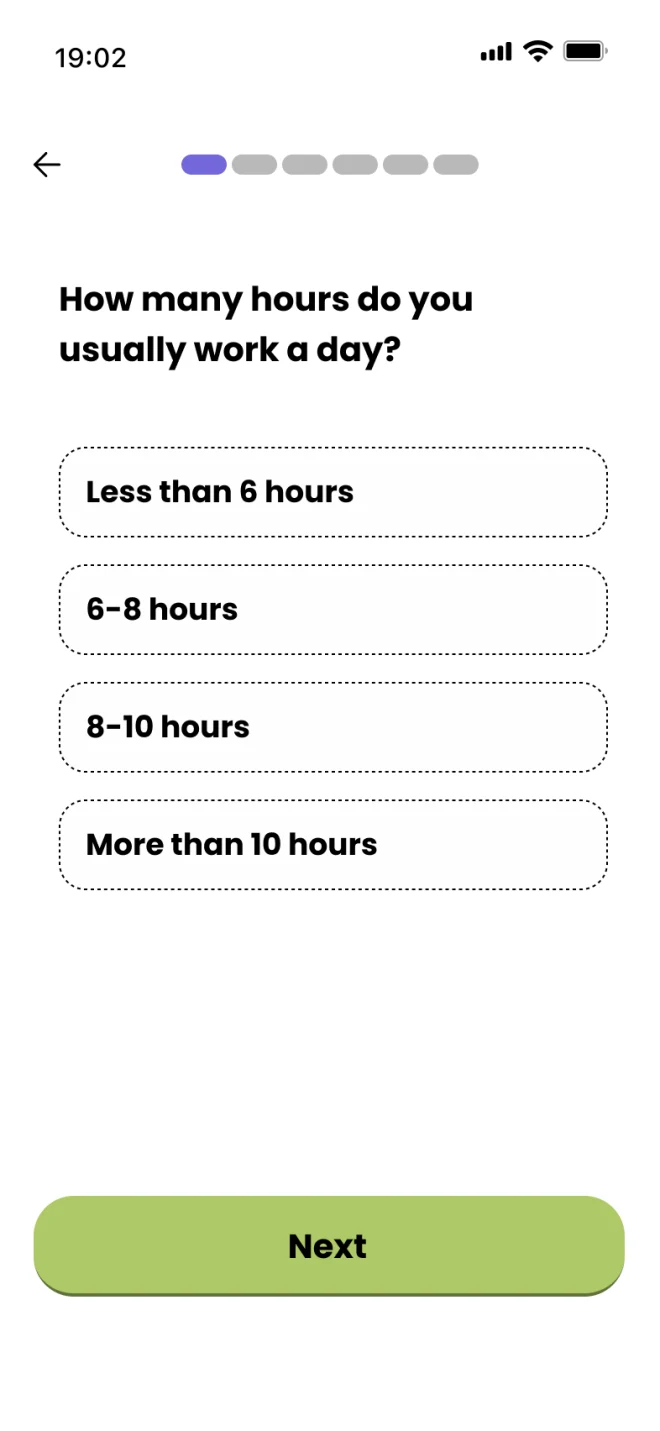
02Work hours 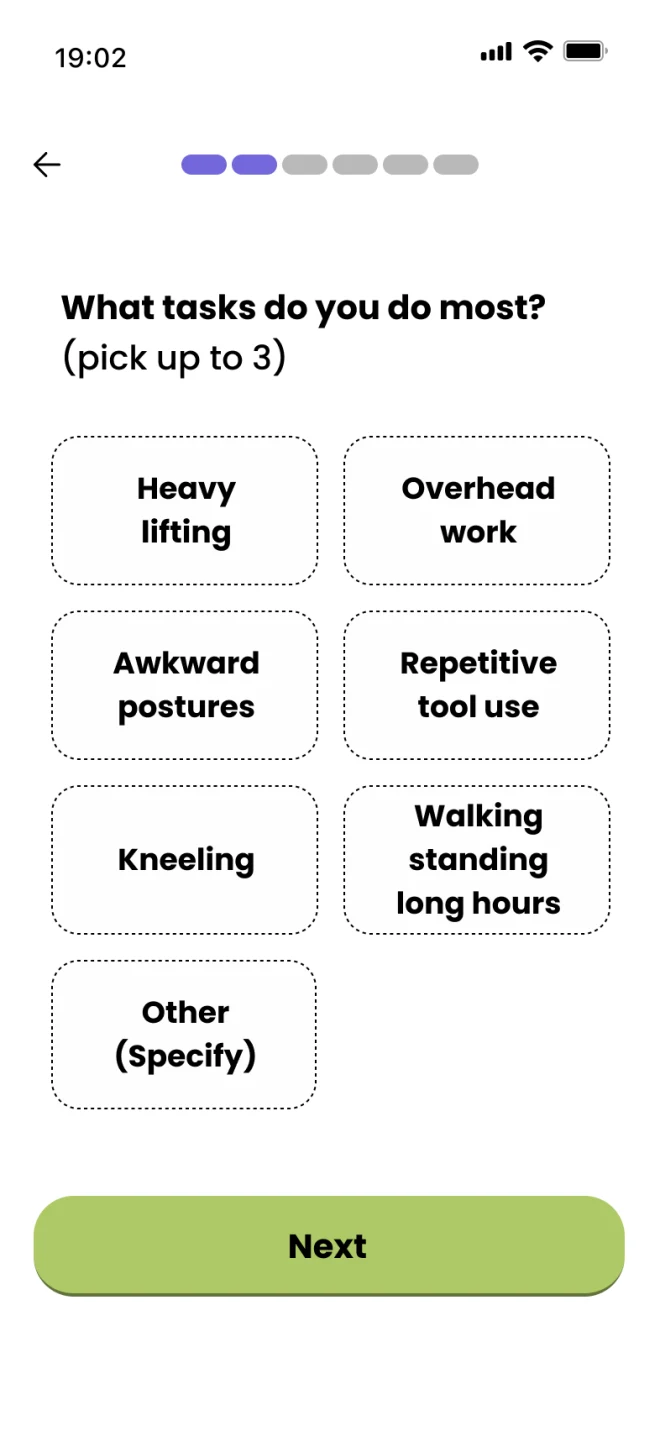
03Main tasks 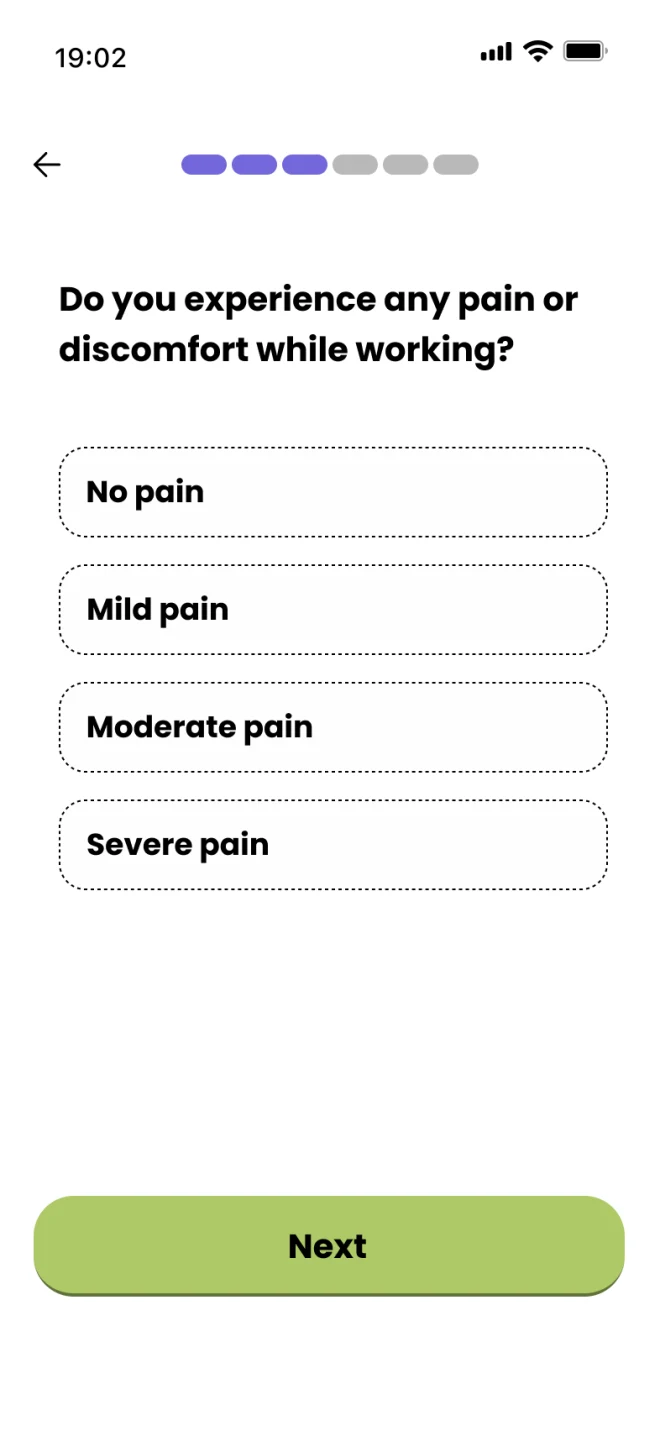
04Pain level 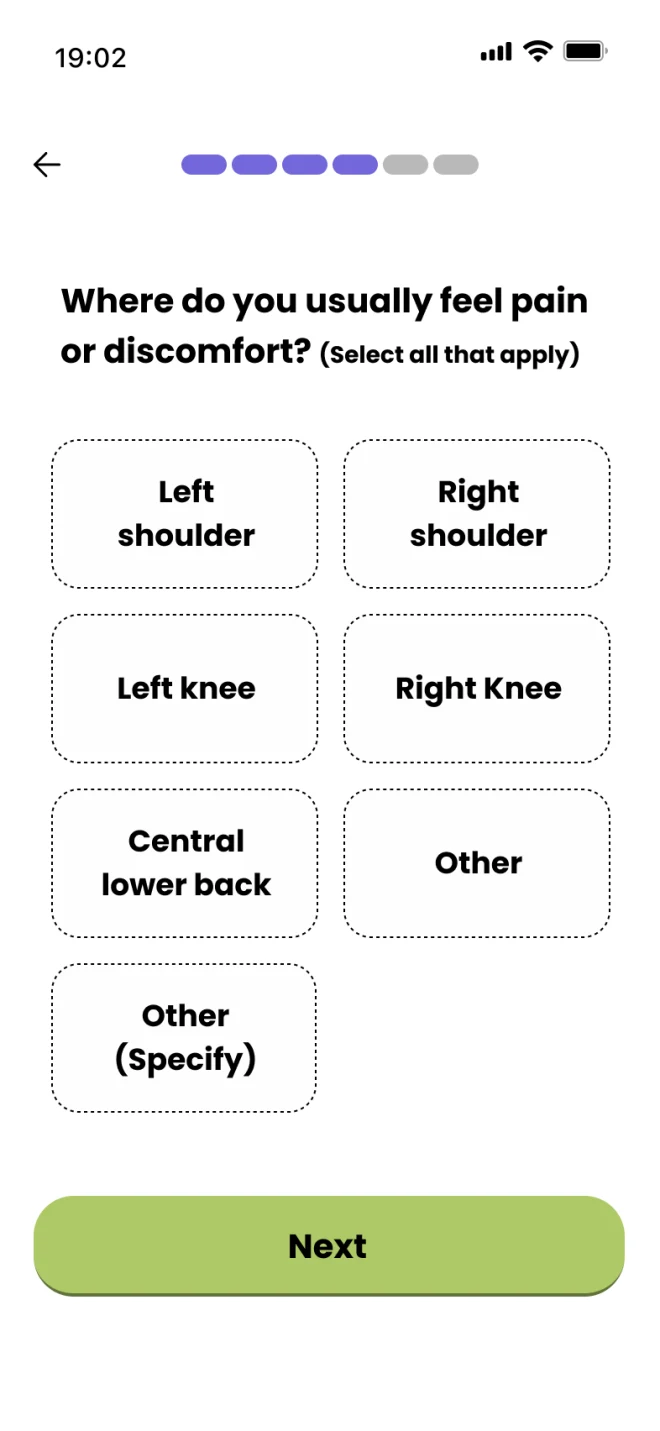
05Pain location 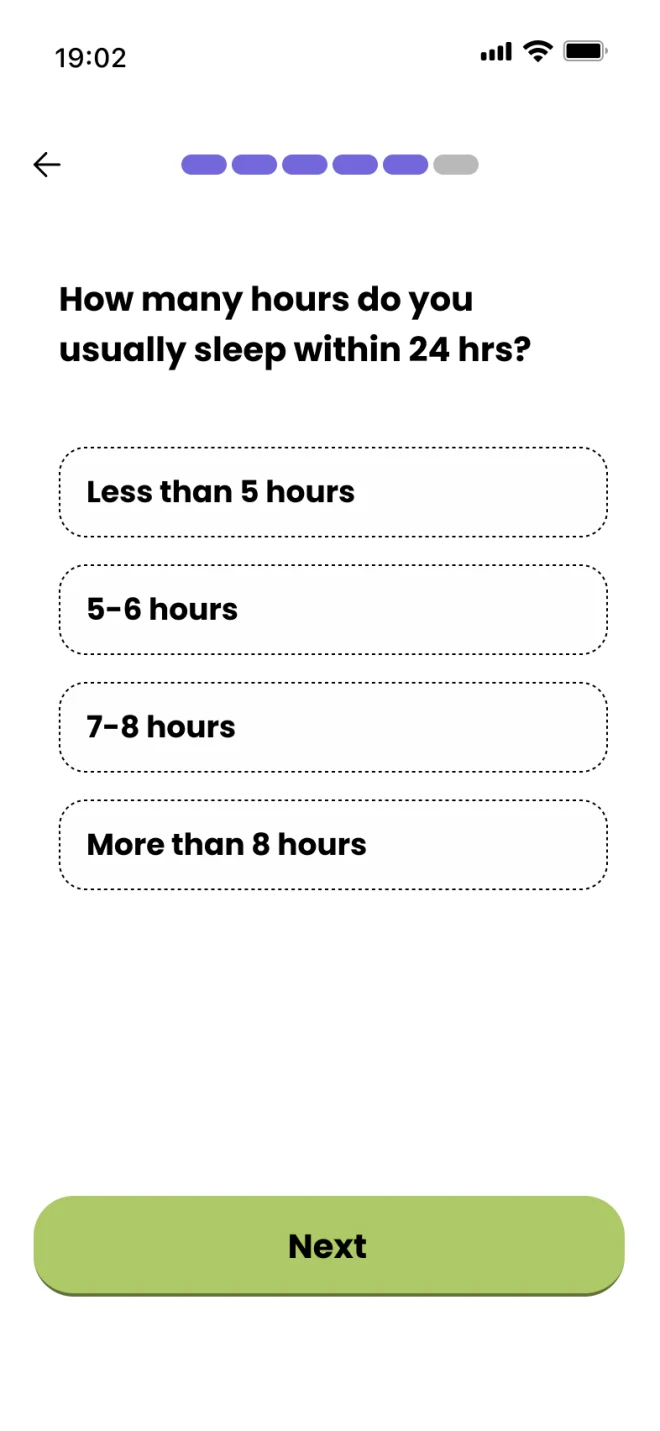
06Sleep 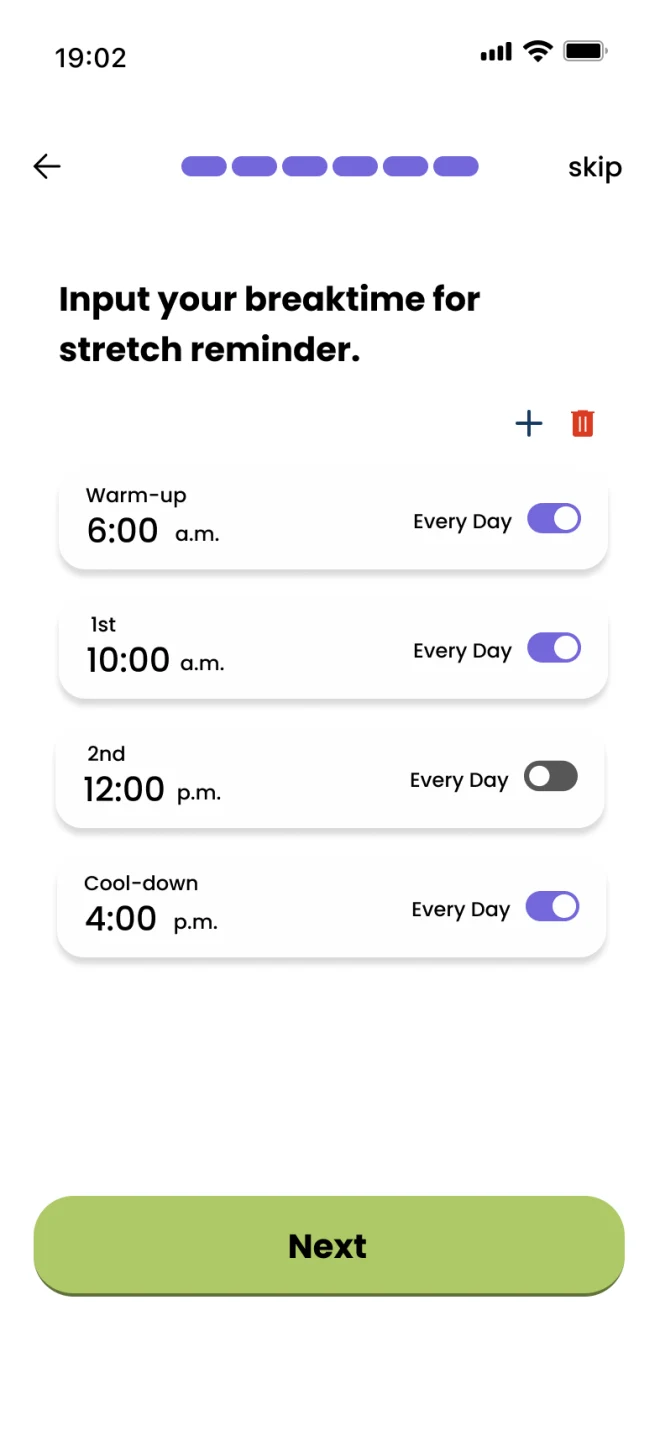
07Break times 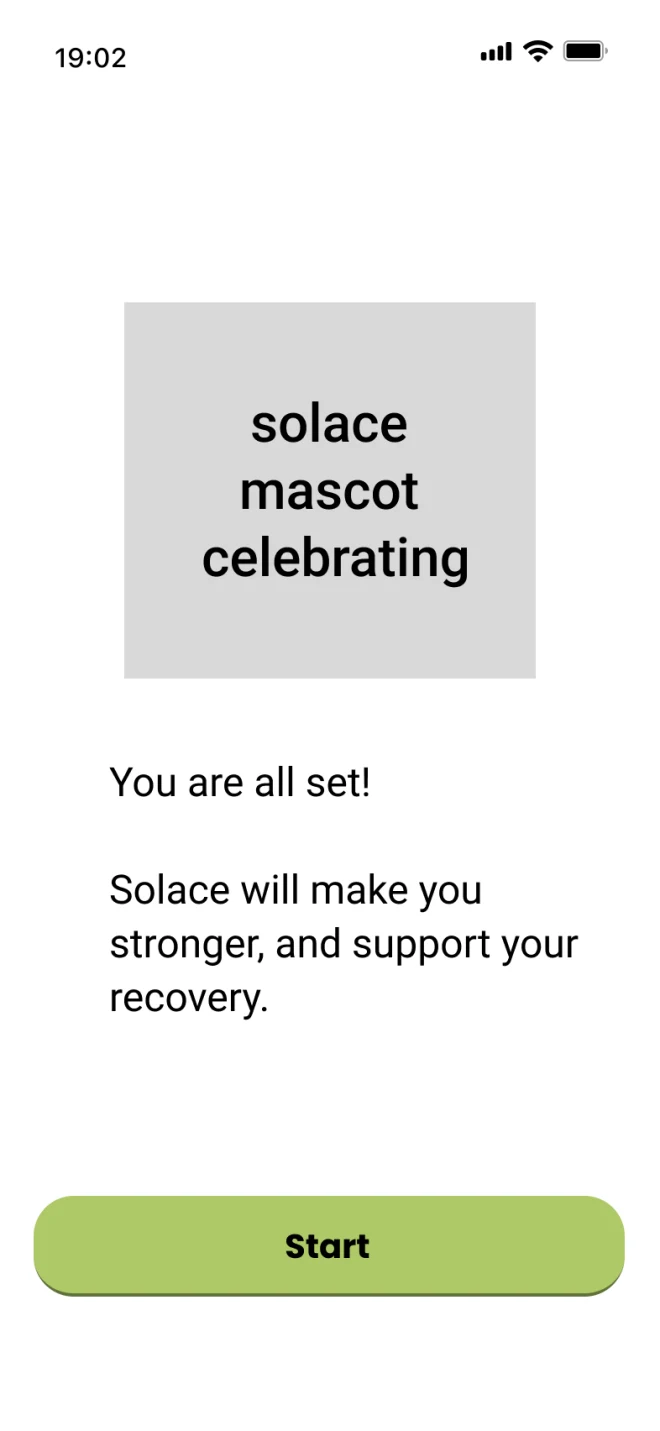
08All set 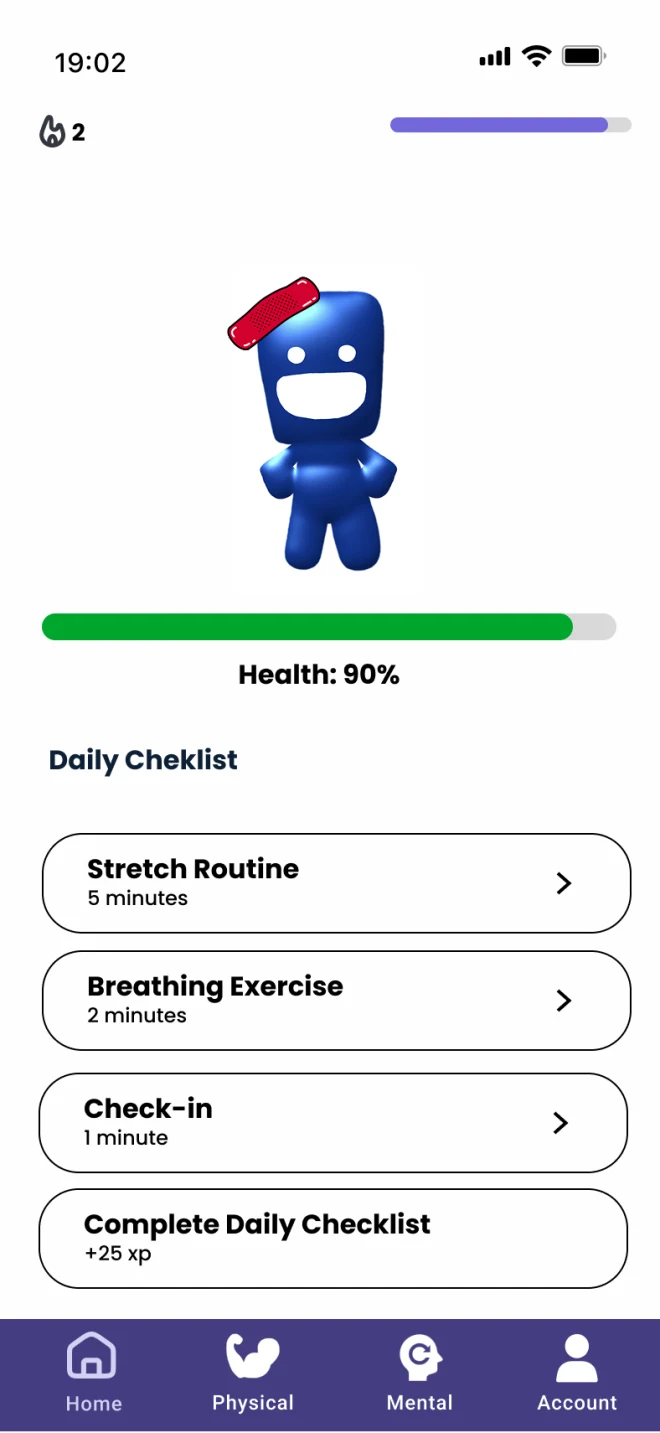
09Home
What the interviews changed
Work schedules change constantly
A fixed break-time schedule wouldn't hold up. Onboarding had to capture what matters without locking anyone into set times.
Job sites are loud and outdoors, with no proper rest areas
Typing and voice can't be relied on. Every answer needed a quick tap option.
Round 02 · High-fidelity
Solly arrives, and so does an assistant
High fidelity is where the finished Solly character came into the product, and where we brought an AI assistant into onboarding to make it feel easier. We designed it around the job site: every question offered tap-to-select answers alongside text and voice input, so people could answer whichever way worked where they were.
Part 1 · Tutorial
Solly works the same job you do
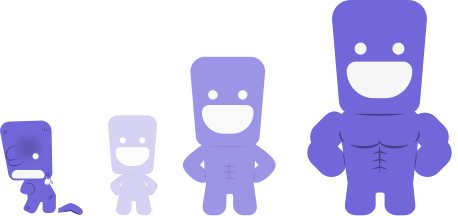
Before any questions, four short screens introduce Solly and the XP system. Solly is a mascot, but also a stand-in for the worker: daily stretches earn XP, and XP is Solly’s health. Keep it up and Solly bulks up and levels up. Skip days and Solly gets hurt, right down to a ripped-off arm. It’s deliberately over the top, because ironworkers and construction crews respond to humor. The joke lands on a cartoon, not on the worker, so the stakes of skipping are easy to read without turning motivation into guilt.
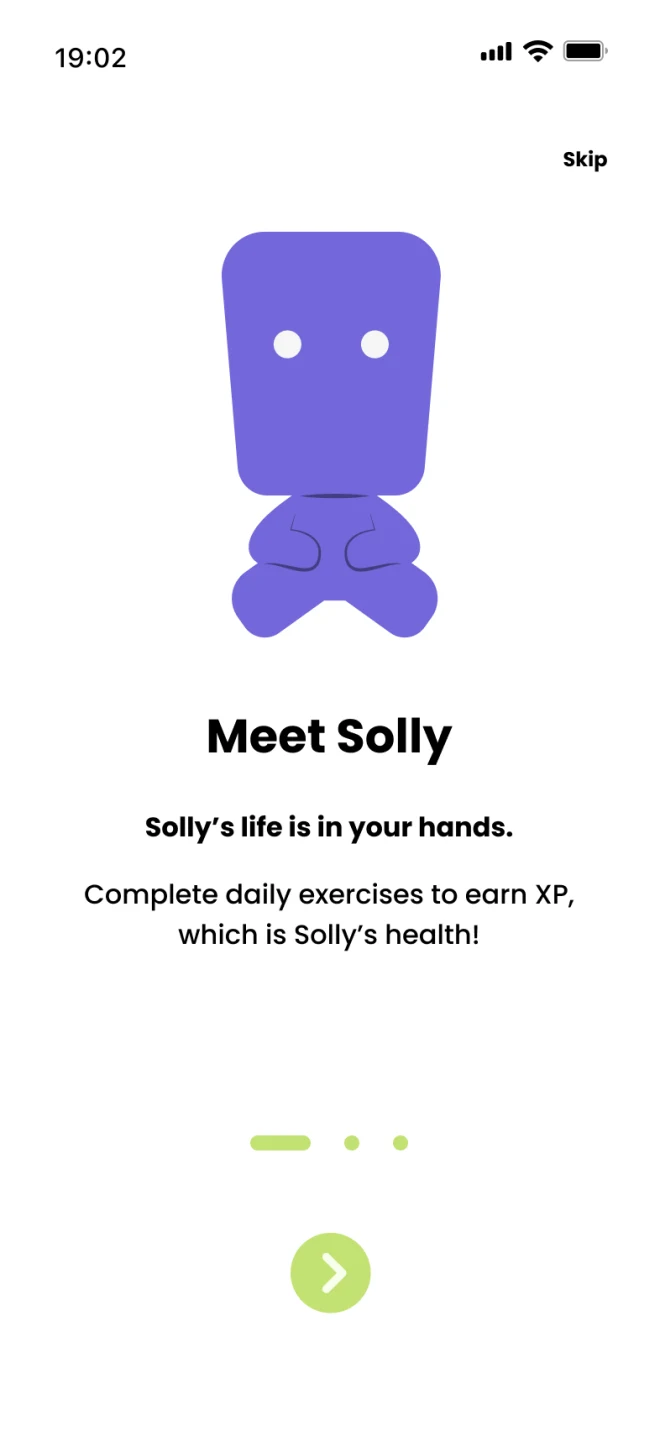
01Meet Solly 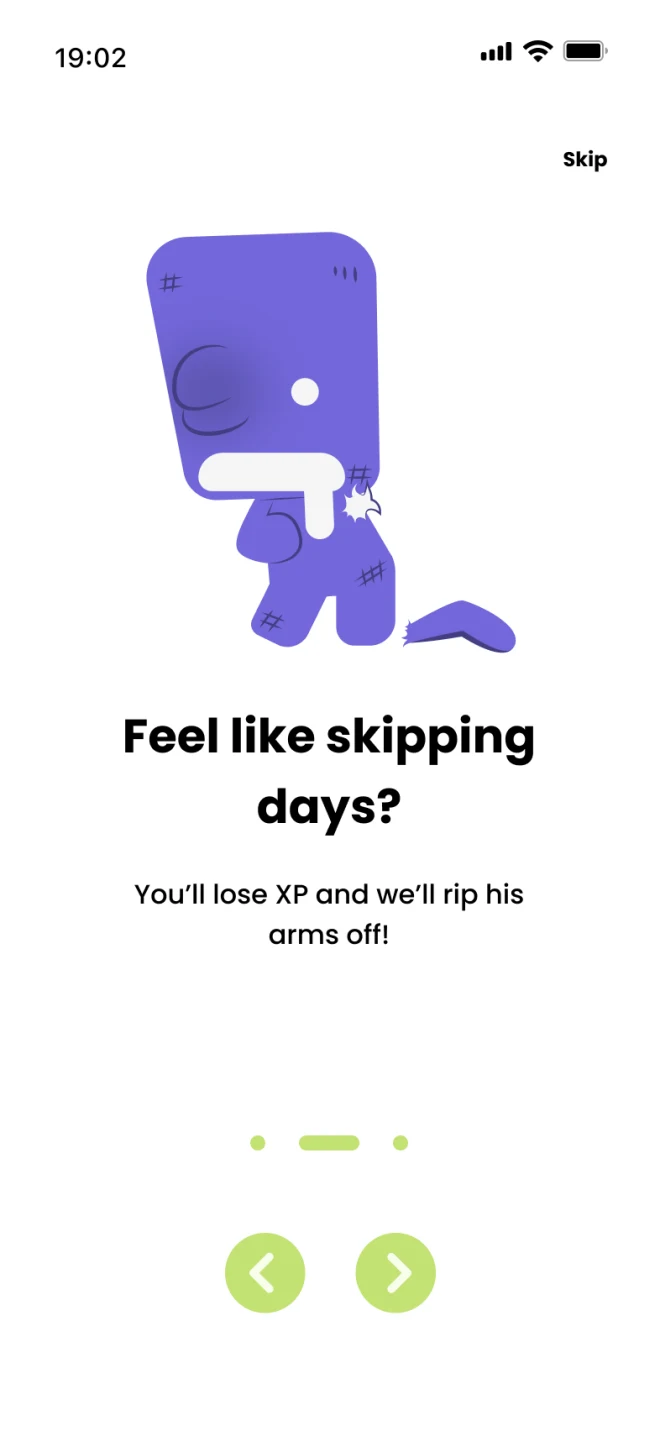
02Skip days, lose XP 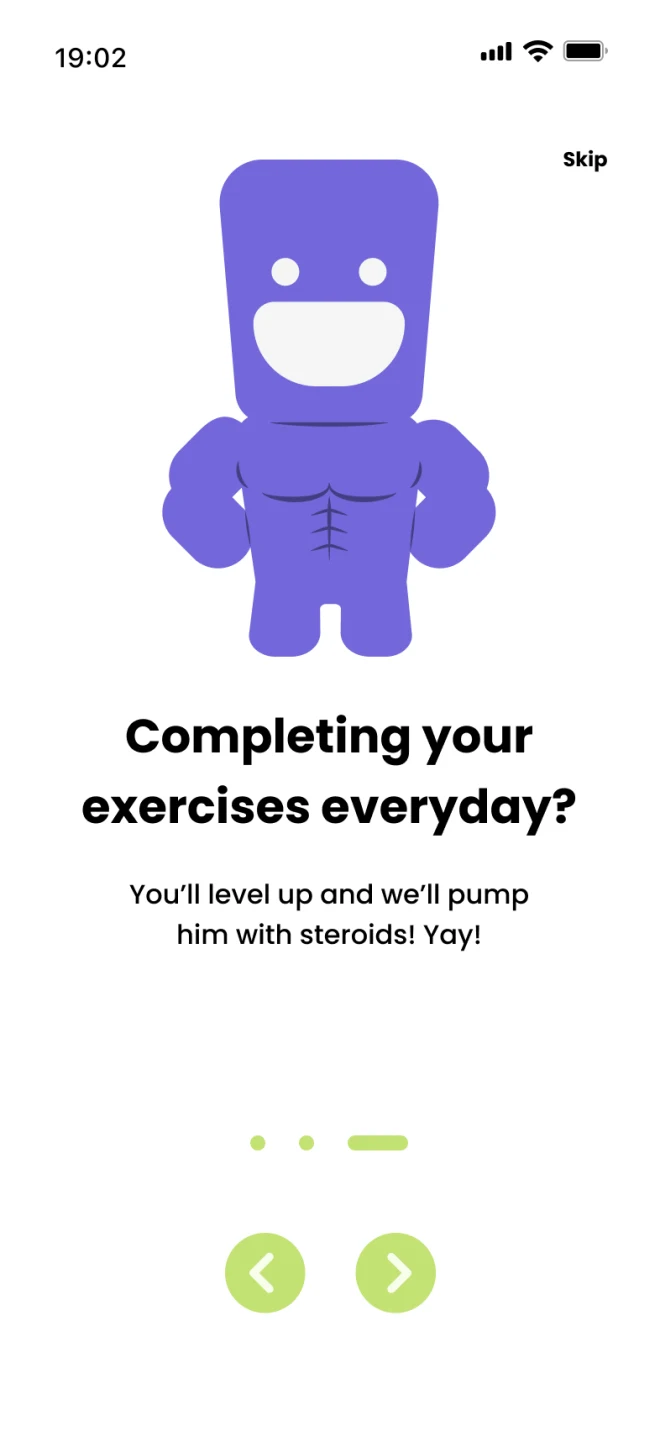
03Show up, level up 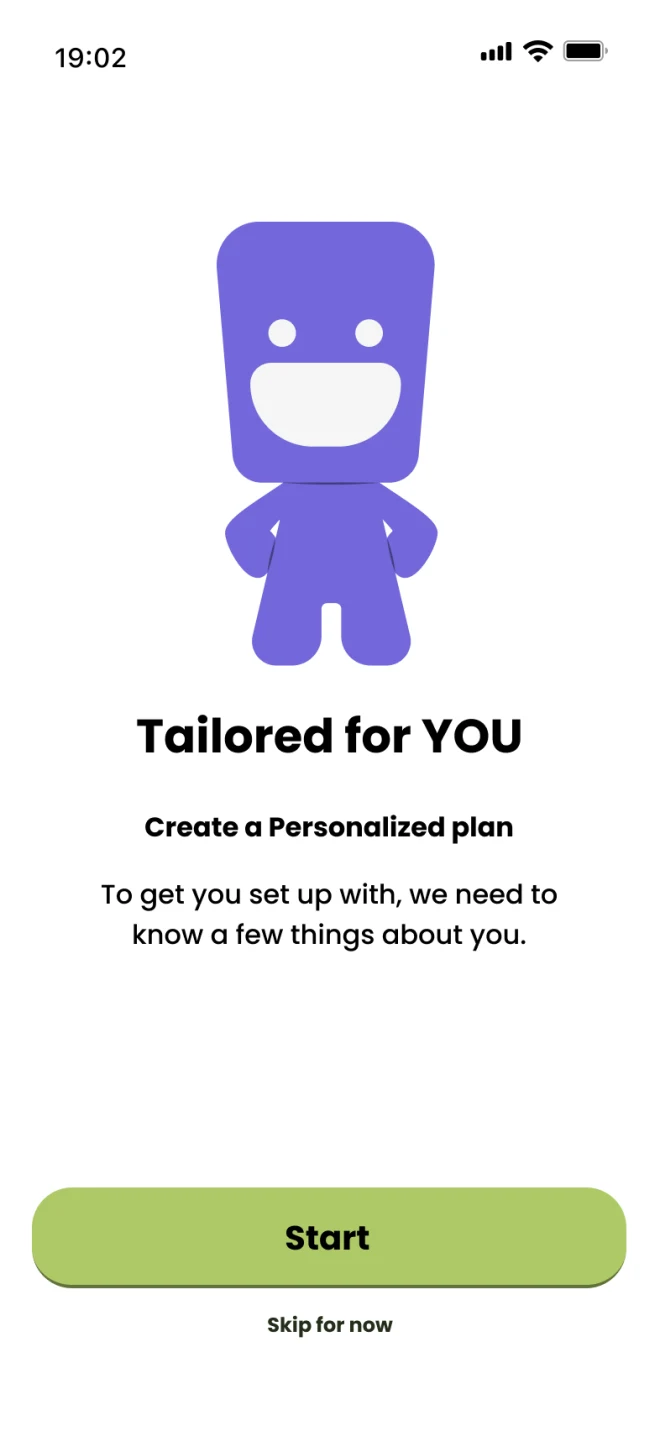
04Tailored for you
Part 2 · Onboarding
Two questions, confirmed back
We cut the questionnaire down to the two answers that matter most for a plan: the tasks you do and where you feel pain. The assistant confirms each answer back, then home opens on a daily checklist built from those answers.
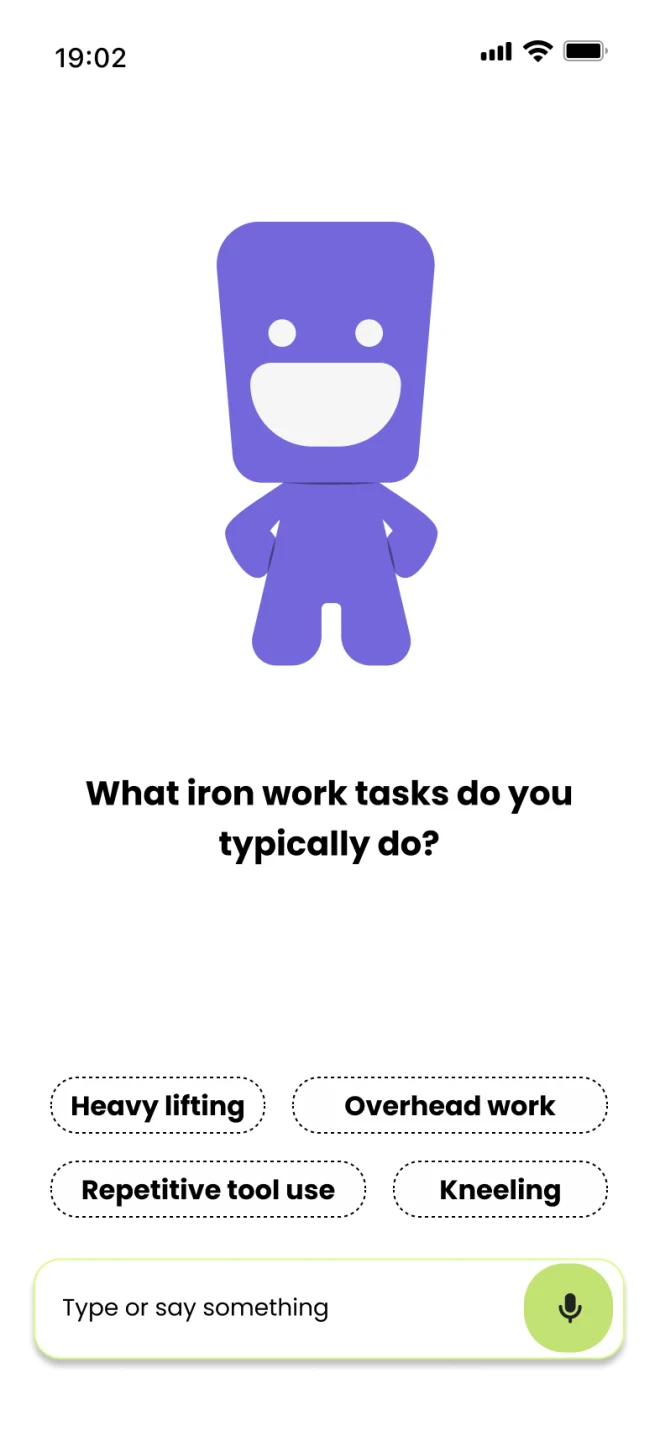
01Tasks 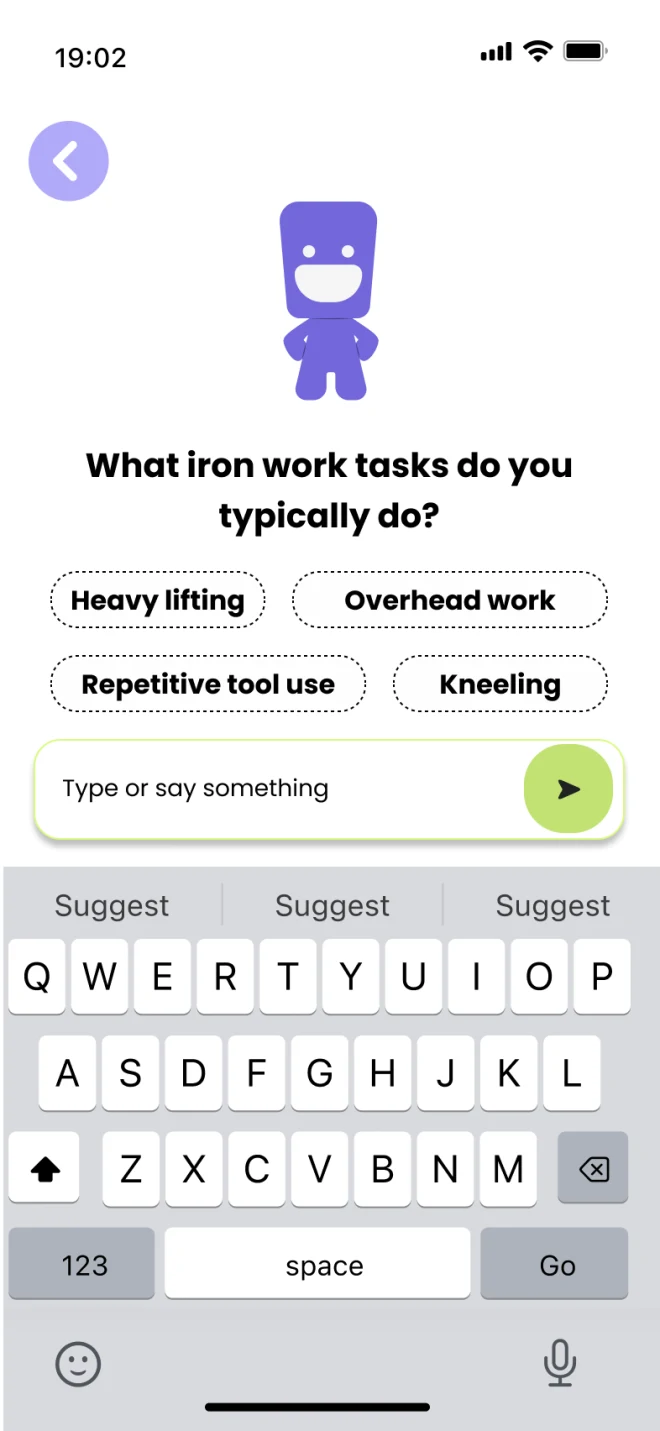
02Tasks, typed 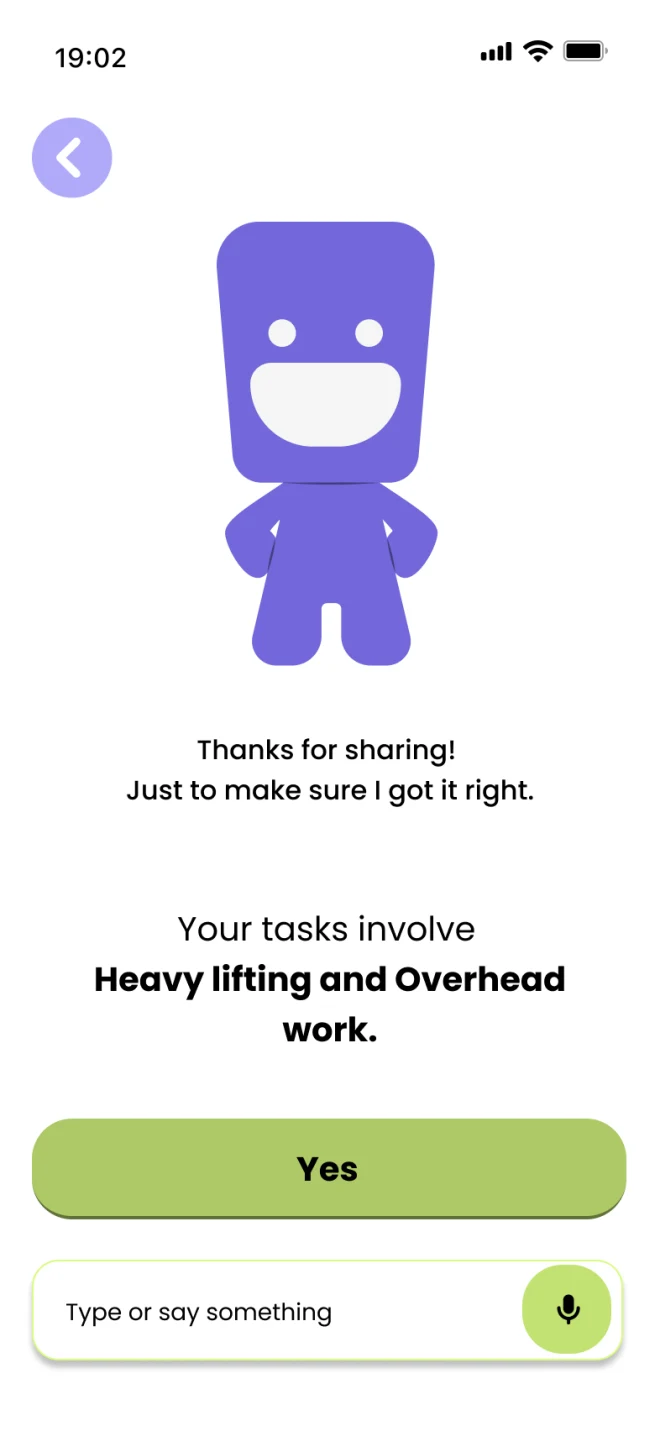
03Confirm 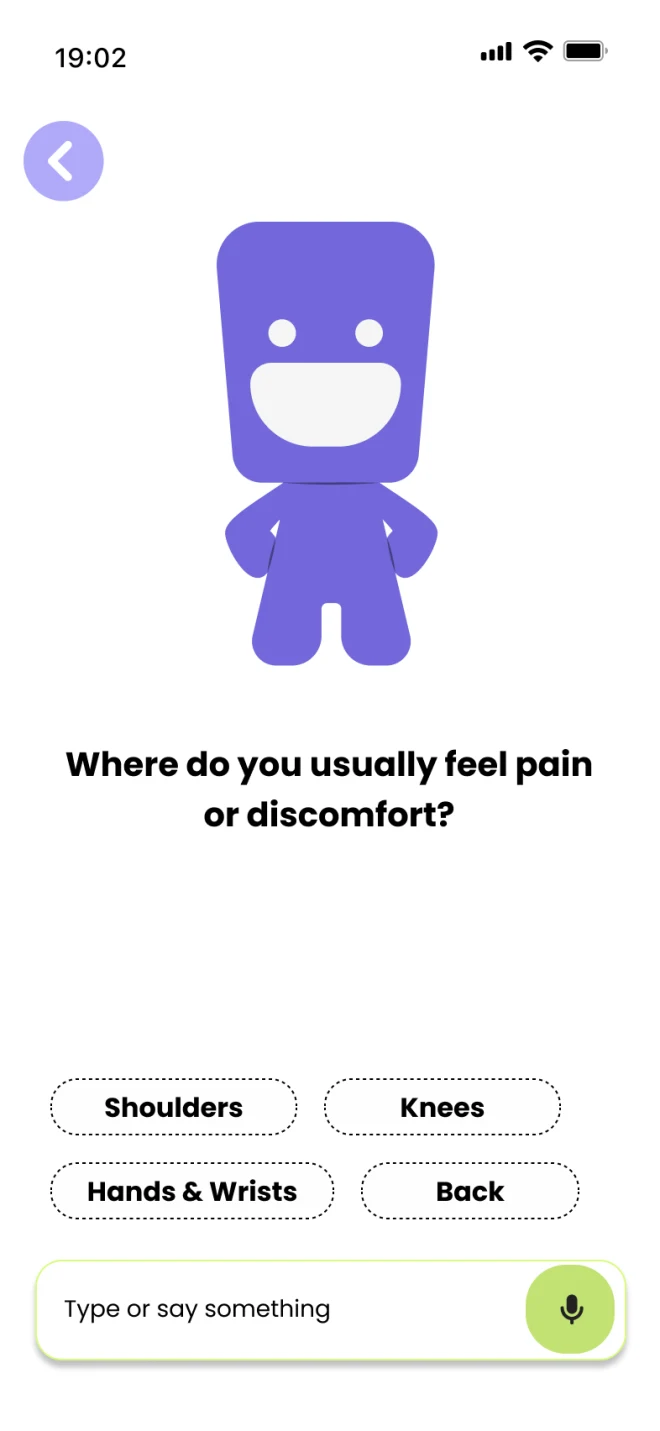
04Pain location 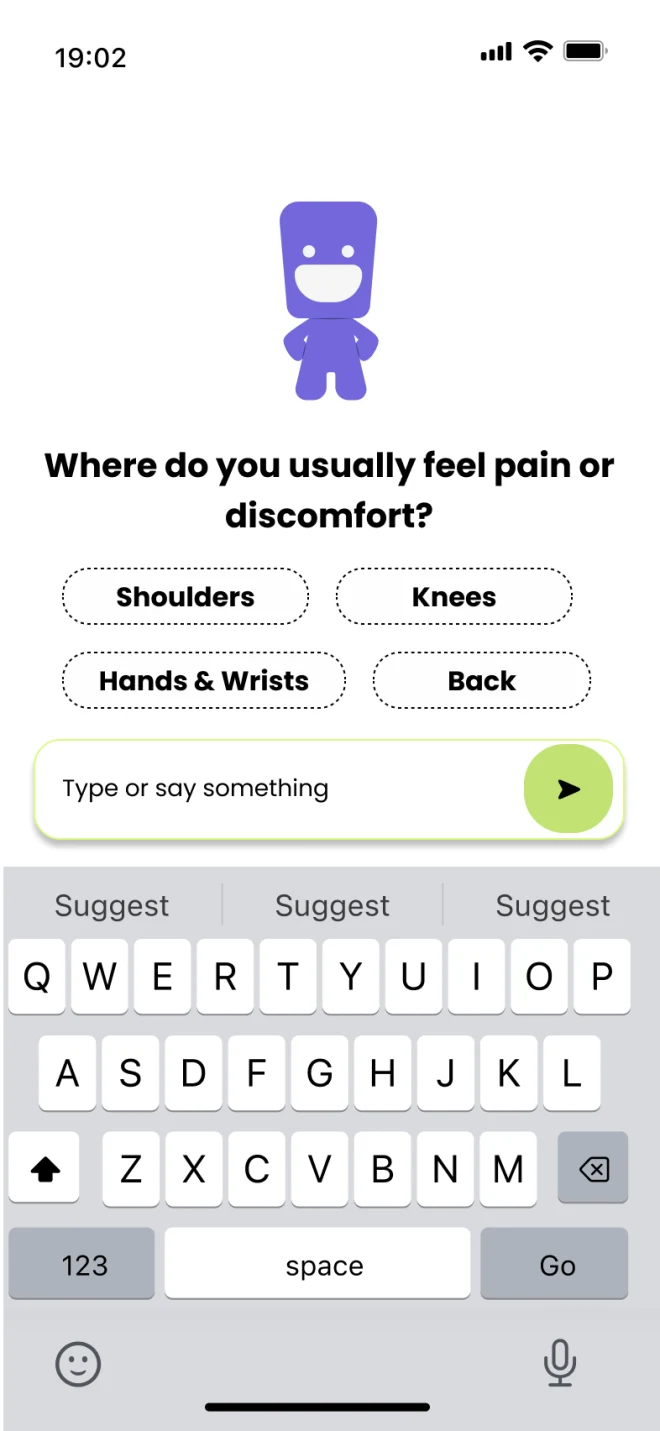
05Pain, typed 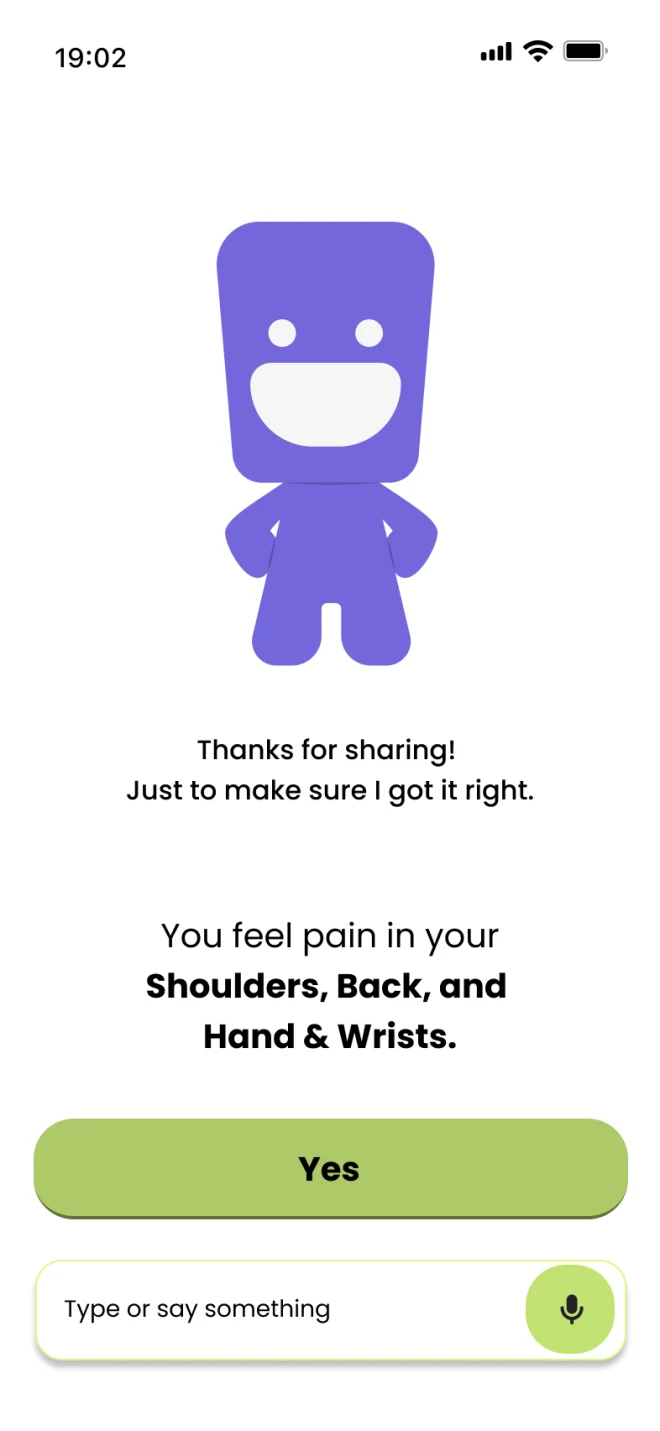
06Confirm 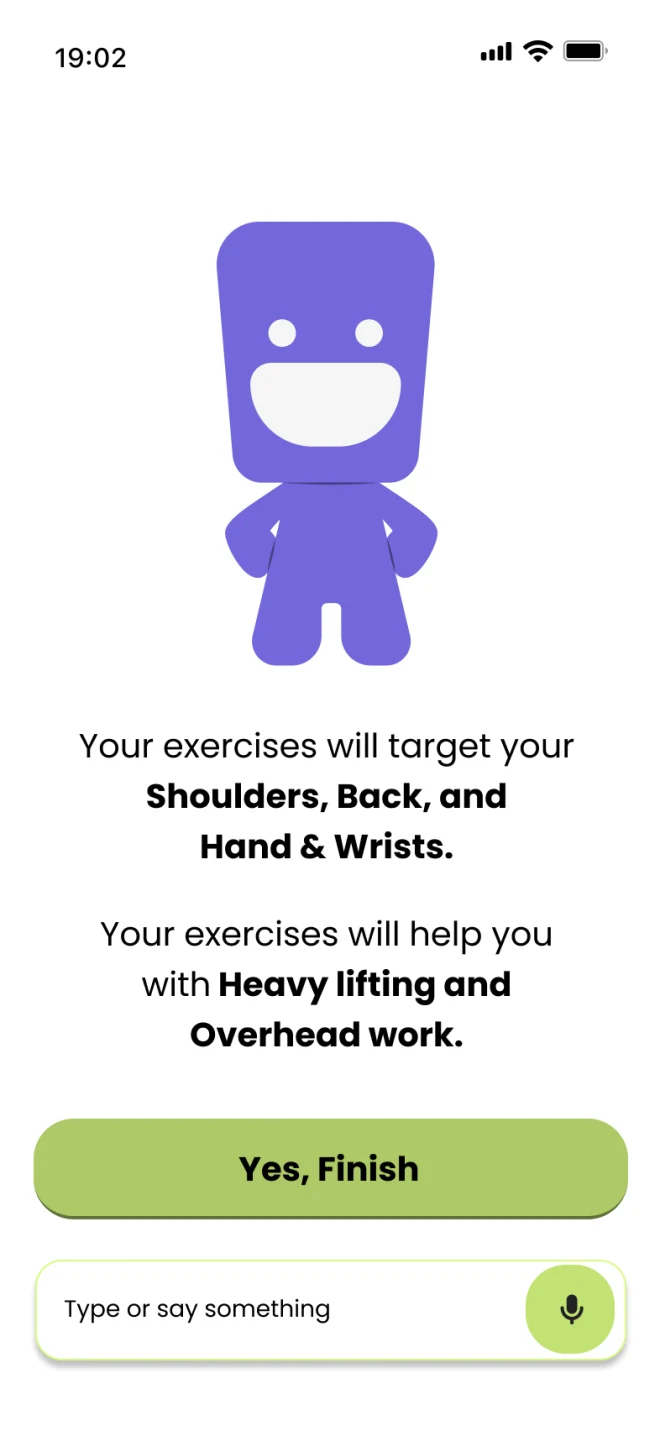
07Plan summary 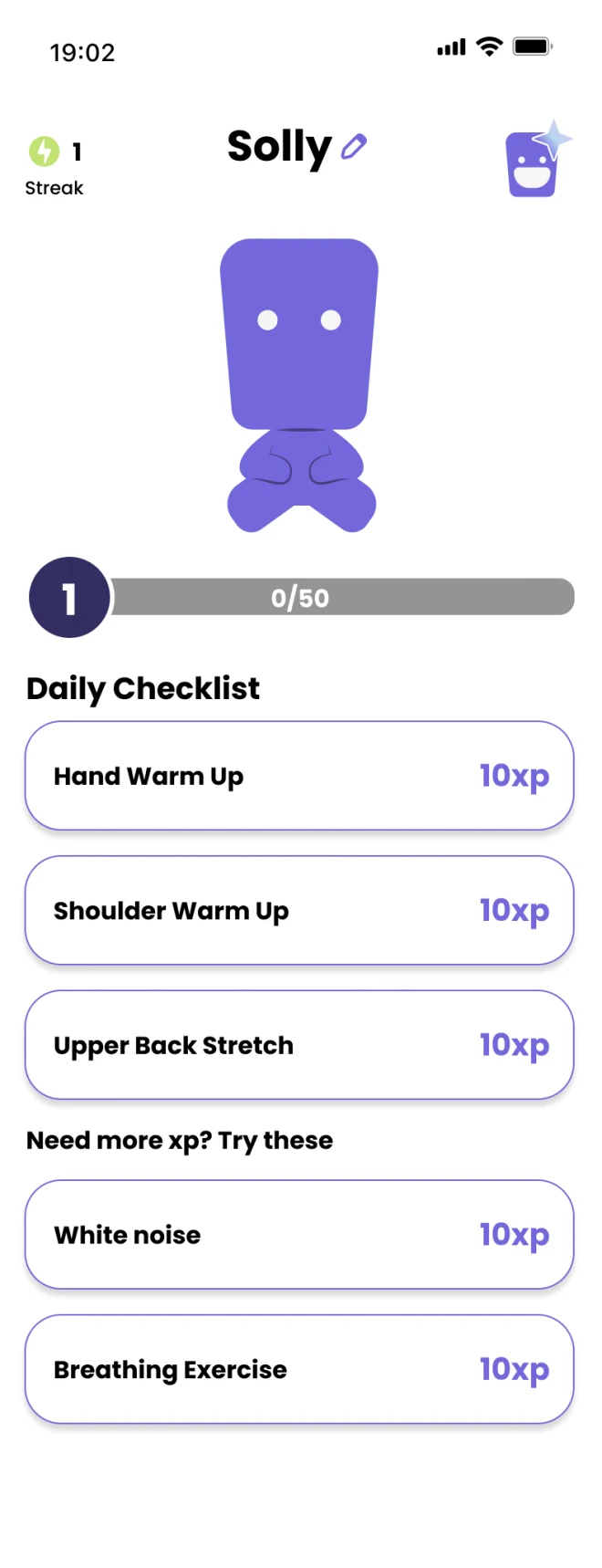
08Home
What user testing showed
People didn’t know which button did what
Each way of answering had a reason to be there. Side by side on one screen, they competed for attention. In testing, people didn’t know what the buttons meant or which one to use, so a shorter onboarding still wasn’t a clearer one.
- 01
Manual selection
The fastest route. If their task is already on screen, one tap answers the question.
- 02
Text input
For tasks the buttons don’t cover, workers can type it in their own words.
- 03
Voice assistant
Tap the mic and say it out loud instead of typing.
Round 03 · After testing
Splitting onboarding into two paths
Problem
The first AI-assisted onboarding confused users in early prototype tests.
Move
I booked a 30-minute session with a BCIT instructor for targeted feedback, then split onboarding into two paths, AI-guided or manual, and used the mascot dynamically to keep it approachable.
Result
Clearer flow, more control, better accessibility. It became the standard for the final design.
Building the brand alongside the product
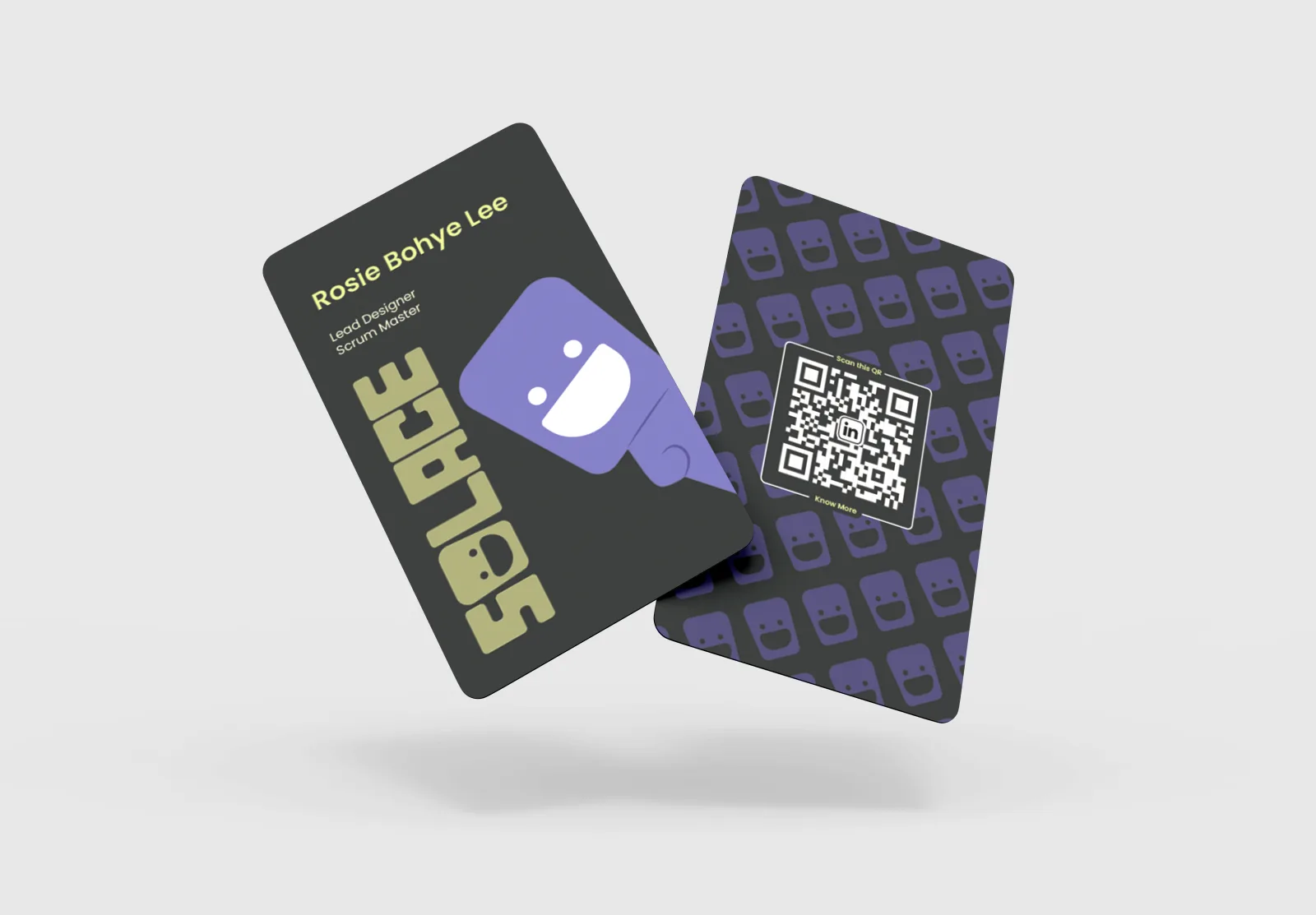
Solace shipped as a complete ecosystem, from a working mobile app to a promotional website, marketing assets, and print materials, built to show both product depth and real launch readiness.
Design leadership
Designing for belonging
I led early exploration of the visual direction and proposed a palette that felt energetic and motivating rather than medical. It lost the first team vote, but I still saw it as the best fit for the people we were designing for. In an advisor session, we tested several directions with a social worker from The Forge. She told us that when The Forge made brochures for its construction members, workers pushed back on anything that felt clinical, like a hospital. Colours like the ones I had proposed landed differently: the brochures made with them gave workers a sense of belonging. The team adopted the palette, and it set Solace up as a supportive tool rather than a treatment platform.
Brand personality
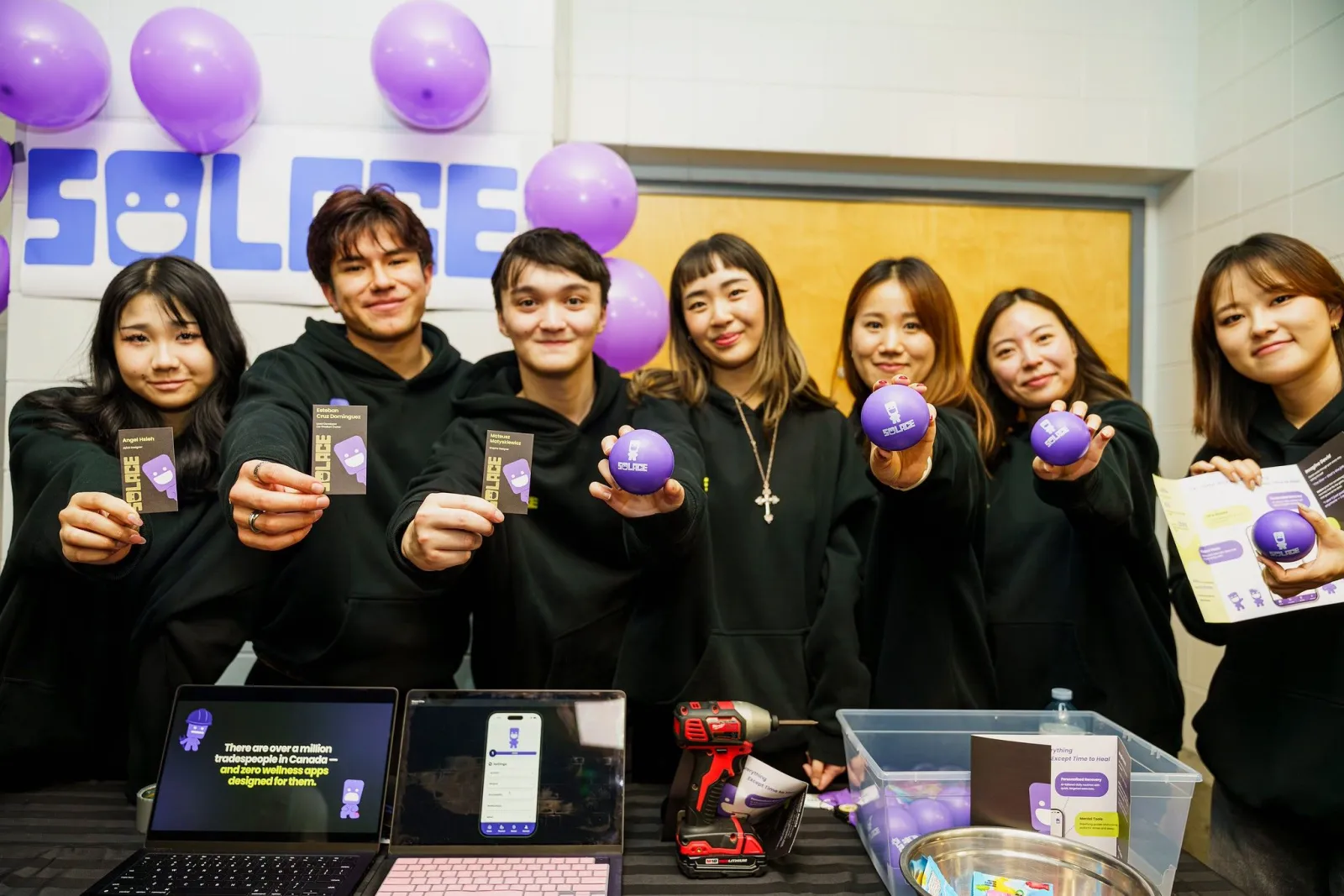
A stress ball as the face of the brand
When the team stalled on a logo, I proposed a stress-ball-inspired character, familiar in high-stress trades and tied to the idea of releasing tension. It was adopted as the face of the brand, using light humor to lower resistance while staying emotionally grounded.
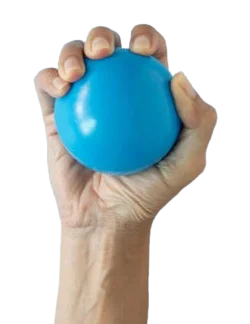
01 · Object
Stress ball
Ironworkers carry a lot of stress. Squeezing a stress ball releases it.
02 · Concept
Squeezable character
The mascot grew from that idea of releasing tension.
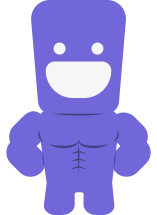
03 · Result
Solace mascot
Humour to lower resistance, strong rather than cute to suit ironworkers.
Logo

Mascot
Colour
- Primary#7267D9
- Accent#D8FB80
- Neutral#F6F6F6
- Dark / Text#252827
Print revision
Giving the eye somewhere to start
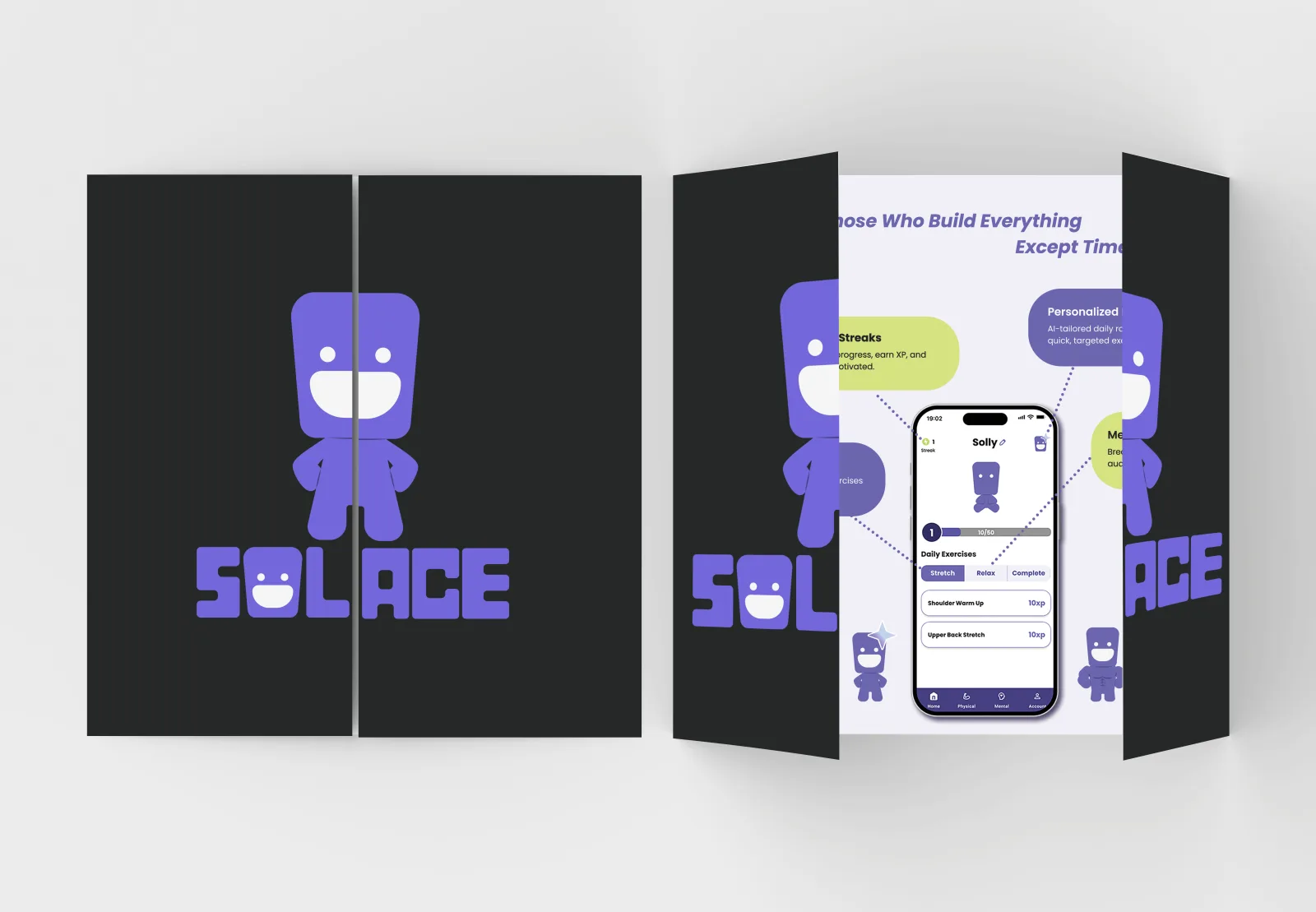
The first draft explained everything, and our teacher’s feedback was blunt: too text-heavy, no clear place to start reading, overwhelming. The issue wasn’t the amount of content. Every element was competing for attention at once.
I redesigned the spread around a single entry point, one hero screen in the centre, with the features pulled out as callouts around it, and took it through final print-ready checks.
Launch kit
One brand, wherever you meet it
The palette and mascot didn’t stop at the app. The team carried them through a promo website, an ad campaign and print, so Solace felt the same on a screen, in a video or in someone’s hands.
Visit promo website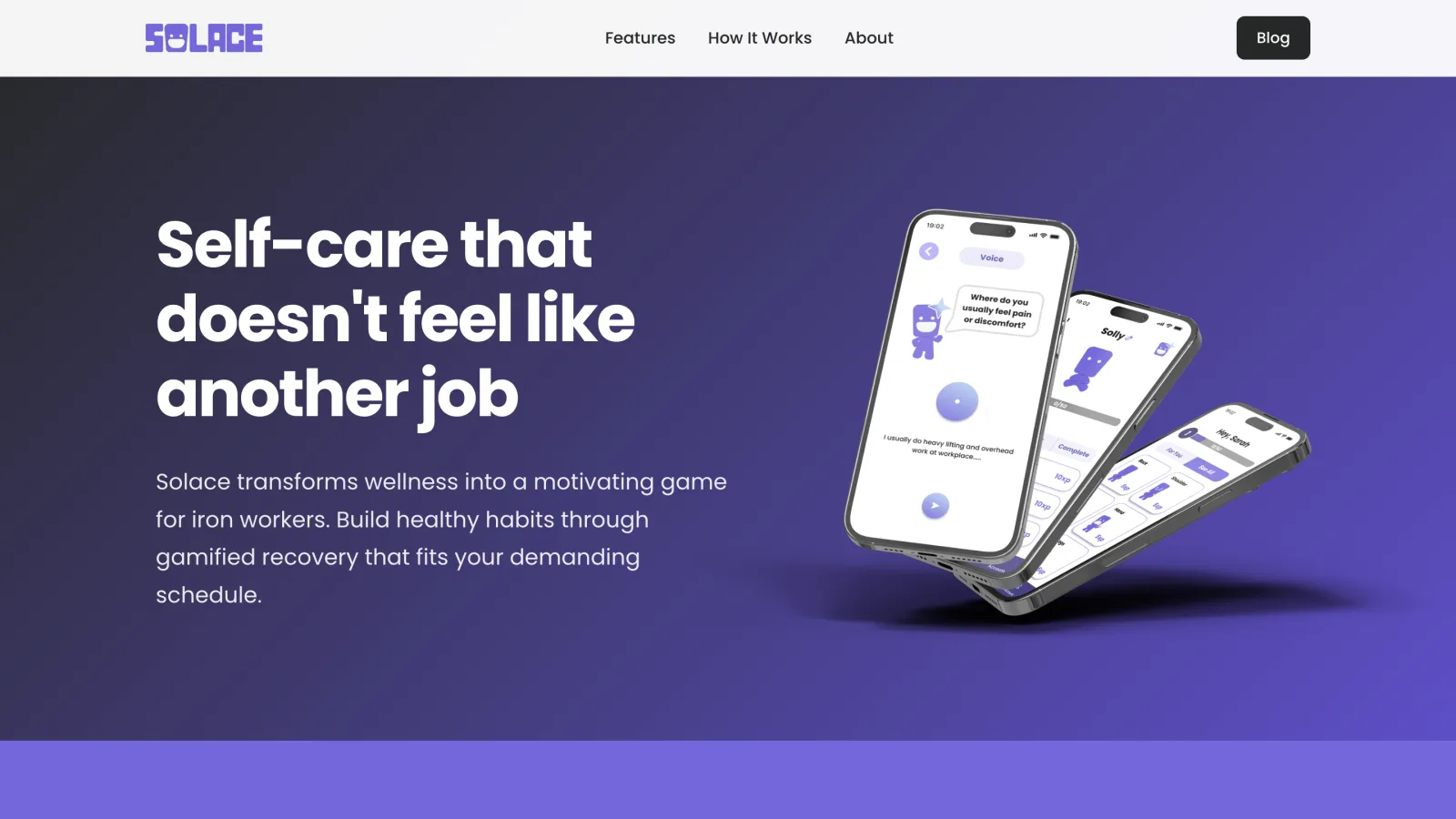
The result, and a way of working I kept
Outcome
2nd place
At BCIT's Final Product Showcase, with a product built around ironworkers' real problems and pitched as one complete story.
Research-backed
Advisor interviews shaped every key choice: humor in the mascot, a palette that felt like belonging, standing stretches under 2 minutes, and Solly adapting to pain and changing schedules.
Ready for other trades
The pain areas we designed around come from research across construction work, not just ironwork, so the same system can extend to other trades with little change.
Reflection
Joined as Scrum Master, grew into Design Lead
Midway through, the team hit a stretch of uncertainty with no one setting direction, so I stepped into the gap. I addressed uneven workloads, set clearer communication expectations, and reviewed flows beyond my own to hold quality across every deliverable. Reaching out to a BCIT instructor led to the onboarding rework, a key design pivot in the final product.
It also taught me that designing for non-desk workers means designing for interruption, fatigue, and skepticism of anything that feels clinical.